
Key Takeaways
- AI removes the plumbing, not the judgment — accountants focus on advisory, not data entry
- Six core capabilities: aggregate, read, post, flag, follow up, and learn
- The bottleneck was never the numbers — it was chasing documents and re-keying data
- AI assistants learn your preferences and get better with every interaction
The Real Bottleneck Was Never the Numbers
Accountants are trained professionals. They understand debits and credits, tax codes, compliance frameworks, and client strategy. But most of their day is not spent on any of that. Most of their day is spent on plumbing — the mechanical, repetitive infrastructure that keeps the data flowing.
Every firm runs on a stack of platforms. And between those platforms, there is a human doing the glue work. Downloading bank statements. Matching receipts to transactions. Categorizing expenses. Chasing clients for missing invoices. These are the tasks that eat up 60–70% of a practitioner's time.
The Platform Stack
- QuickBooks, Xero, or Sage for bookkeeping
- Bill.com or Dext for AP automation
- Google Drive or SharePoint for document storage
- Email and messaging for client communication
Where the Time Actually Goes
- Downloading and organizing bank statements and receipts
- Re-keying data from PDFs into accounting software
- Matching invoices to purchase orders and payments
- Categorizing and coding transactions manually
- Following up with clients for missing documentation
Enter the Accountant Assistant
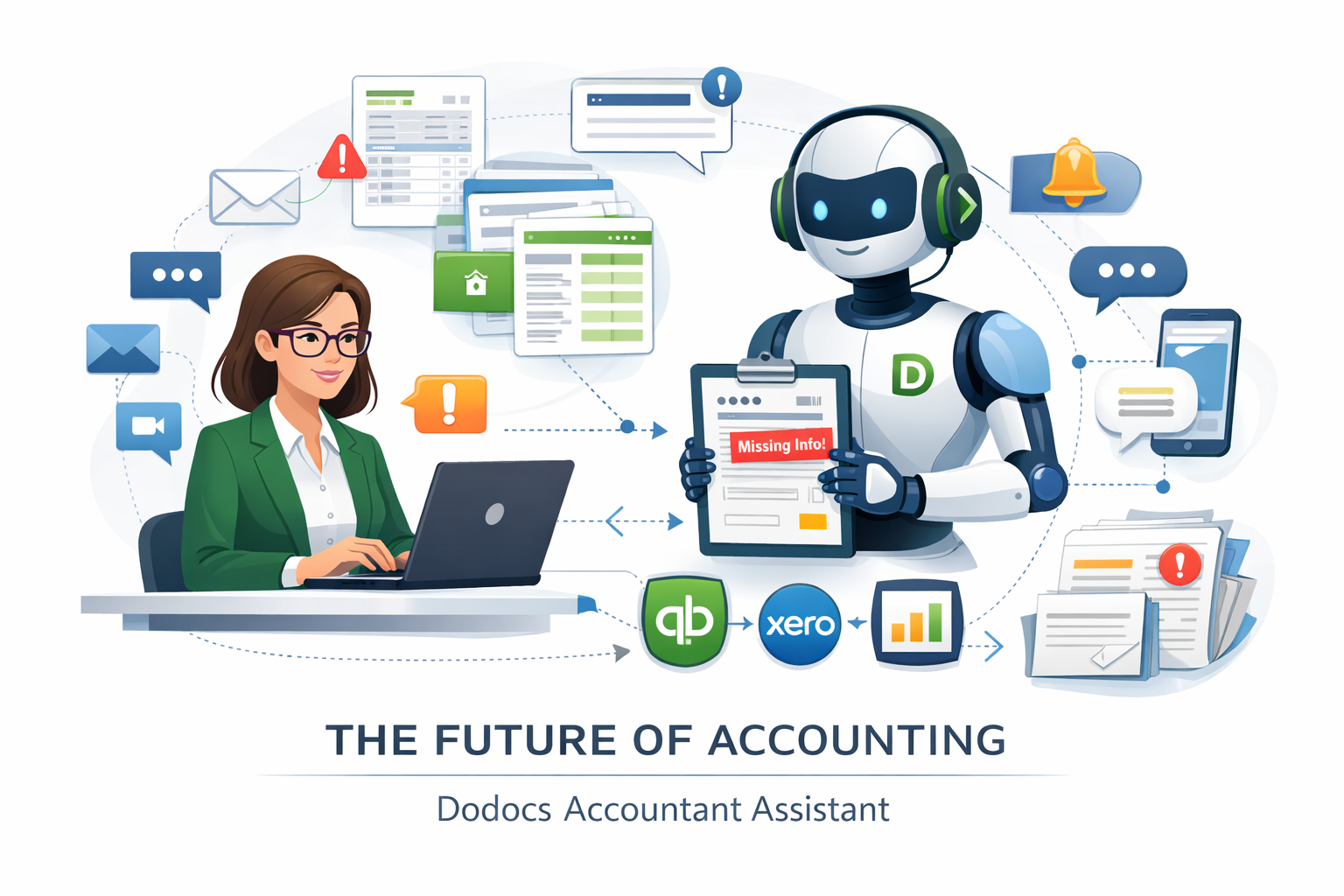
An AI accountant assistant is not a replacement for your judgment. It is a tireless junior associate that handles the tasks you wish you could delegate. Here are the six things it does:
1. Document Aggregation
It connects to your client's email, cloud drives, and bank portals to pull in every receipt, invoice, and statement automatically. No more chasing clients for documents — the assistant gathers everything in one place.
2. Reading & Classification
Using AI-powered document processing, it reads each document, extracts the relevant data (vendor, amount, date, line items), and classifies it by type. It handles invoices, receipts, bank statements, contracts, and more with over 99% accuracy.
3. Posting to Your Books
Once classified, the data is posted directly to QuickBooks, Xero, or your preferred platform. The assistant learns your chart of accounts, your coding conventions, and your client-specific rules. It does not guess — it follows the patterns you have established.
4. Anomaly Flagging
When something does not match — a duplicate invoice, an unusual amount, a vendor not in the system — the assistant flags it for your review. It does not make the decision for you. It surfaces the issue so you can act on it with full context.
5. Client Follow-Up
Missing a receipt? The assistant drafts a follow-up message to the client, referencing the specific transaction and the documentation gap. You review and send, or let it send automatically based on your rules.
6. Learning Your Preferences
Every correction you make teaches the assistant. Reclassify a transaction? It remembers. Adjust a coding rule? It updates. Over time, it becomes an extension of your practice — one that gets better with every interaction.
What Changes When the Plumbing Disappears
When you remove the manual data flow from an accountant's day, something remarkable happens. They start doing the work they were trained to do. Advisory. Strategy. Client relationships. The kind of work that clients actually value and are willing to pay premium rates for.
The Real Benefits
- More capacity: Handle 2–3x more clients without adding staff
- Higher-value work: Shift from data entry to advisory services
- Faster turnaround: Month-end close in days instead of weeks
- Better accuracy: Fewer manual errors, more consistent coding
The Bottom Line
AI is not coming for accountants. It is coming for the tedious parts of accounting — the parts that no one went to school for and no client wants to pay for. The firms that embrace AI assistants will not have fewer accountants. They will have accountants who are finally free to do their highest-value work.
The question is not whether AI will change accounting. It already is. The question is whether your firm will be the one leading the change or reacting to it.
Ready to Free Your Team from the Plumbing?
See how DoDocs Matchpoint handles document aggregation, data extraction, and posting — so your accountants can focus on what matters.
Book a demo to see the AI accountant assistant in action with your actual documents and workflows.
About the Author
Dan Gudkov is the founder and CEO of DoDocs, building AI-powered document processing solutions for accounting and finance teams. Connect on LinkedIn.
This article was originally published on Substack on April 15, 2026.
Share This Article
Related Articles
The Automated CFO
How AI agents are reshaping C-Suite financial strategy with 15x faster close cycles.
Read ArticleTax Automation Frontier
AI-powered tax return filing: 95% faster processing and 99.5% accuracy.
Read ArticlePlatform Comparison
DoDocs Matchpoint vs Azure vs Google Cloud — 74% cost savings, 12x faster deployment.
Read Brief